
Cybersecurity
Phishing: how to spot a fake email and what to do after a click
The visible signs of a fraudulent email, the right reflexes before clicking, and the steps to follow if someone clicked.
By the SolutionsCW team7 min read
The telltale signs
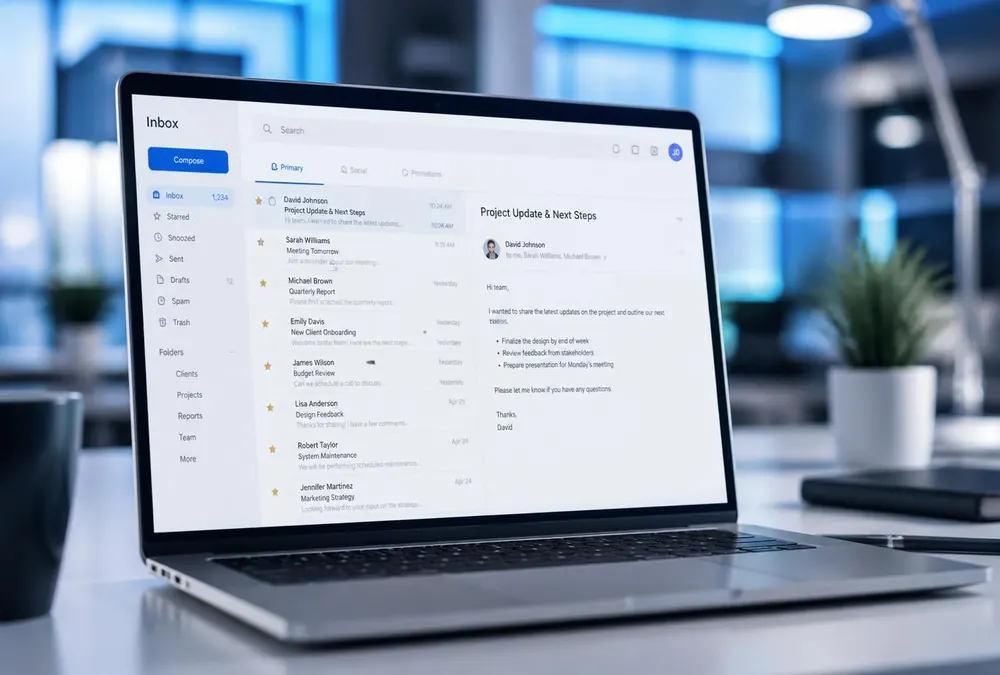
A phishing email imitates a known sender — a supplier, bank, colleague, Microsoft or a delivery service — to trigger a fast action. The most reliable clues are not spelling mistakes (often absent today), but the gap between what the message claims to be and what it actually is.
- The actual sending address differs from the display name: hover or tap the name to see the full address, and beware of look-alike domains (micros0ft, solutionscw-support).
- Unusual urgency: payment due today, account about to be suspended, stuck parcel, rushed boss.
- A request outside normal procedures: new bank account, gift-card purchase, password change via a link.
- A link whose real destination (visible on hover) does not match the official site.
The 30-second verification reflex
Before clicking or replying, verify through an independent channel: call the supplier at the number you already have (never the one in the email), open the official site by typing it yourself, or ask your colleague in person. No legitimate organization will fault you for verifying.
For financial requests, set a non-negotiable internal rule: any change of banking details or unusual transfer is confirmed verbally, at a known number. This single habit neutralizes CEO fraud, one of the costliest scams for small businesses.
Someone clicked: what to do now
Speed matters more than discretion. A fast report often prevents the full incident; a late one turns it into a crisis. Here is the sequence to follow.
- Disconnect the device from the network (Wi-Fi and cable), but do not power it off: useful forensic traces could be lost.
- If a password was entered, change it immediately from another device, and everywhere it is reused.
- Notify your IT support without delay, even outside business hours if the incident is active.
- Watch for unusual sign-ins on the affected accounts and revoke active sessions where your platform allows it.
- Record the time, the message received and the actions taken: these details speed up the investigation.
Reducing the odds of the next click
Your email platform’s spam filtering, MFA on every account and short, regular training form defence in depth: even if a message gets through and someone clicks, the password alone is not enough for the attacker. SolutionsCW configures these protections and can train your team with real examples tailored to your industry.
Sources and references
Products and rules can change. Check official sources before making a decision. SolutionsCW guides are informational and are not legal advice.