
Cybersecurity
How to protect a Quebec small business from cyberattacks
A practical pillar guide: the measures that genuinely reduce risk for a small business, without jargon or unverifiable promises.
By the SolutionsCW team9 min read
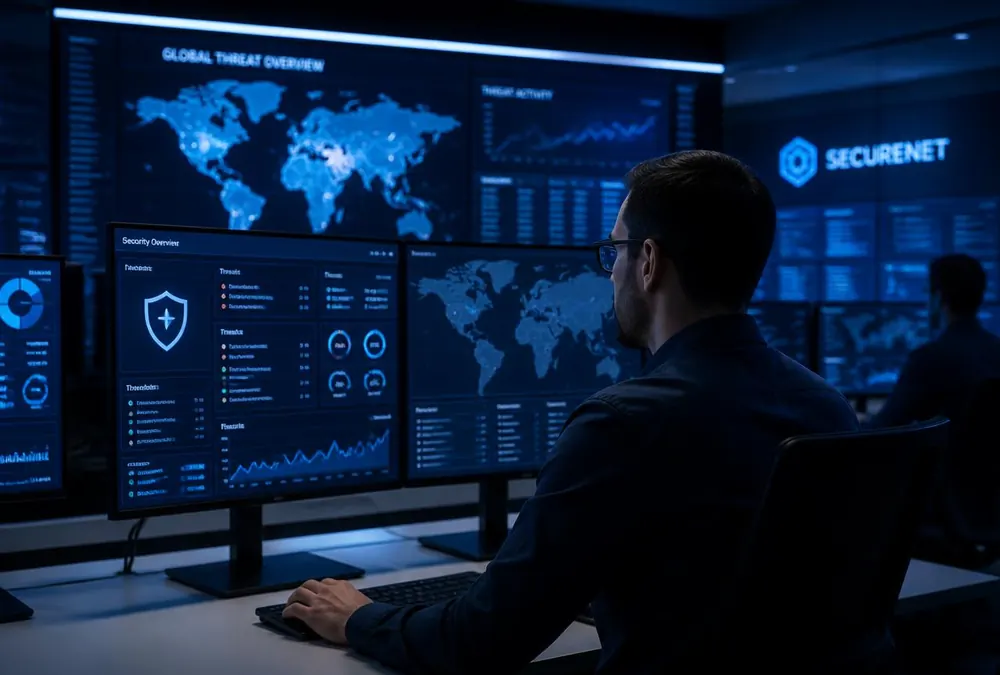
Small businesses are targets too
Automated attacks do not select victims by size: they sweep the entire Internet looking for weak passwords, outdated software and misconfigured services. A Quebec small business can be hit without ever being named as a target. The Canadian Centre for Cyber Security regularly publishes guidance aimed specifically at small and medium organizations, precisely because they have fewer internal resources to defend themselves.
The good news: most incidents exploit known, avoidable weaknesses. A small business does not need a security operations centre; it needs a small set of measures applied consistently. That is the purpose of this guide.
1. The five foundations to put in place first
Before buying sophisticated tooling, make sure the basics are covered. These are the measures public agencies recommend first, and they usually cost more in discipline than in budget.
- Multifactor authentication (MFA) on email, administrator accounts and remote access — the best protection-to-effort ratio available.
- Automatic updates for operating systems, browsers and applications, including the router and network equipment.
- Tested backups, with at least one offline or offsite copy and a real restoration exercise.
- A password manager and unique passwords for every service; never share accounts between employees.
- Up-to-date antivirus or endpoint protection on every computer, including remote-work laptops.
2. The human factor: train without blaming
Phishing remains the most common entry point. Short, repeated training — recognizing a suspicious email, verifying a payment request through a second channel, reporting without fear — reduces risk more than a long policy document read once. The goal is for reporting a doubt to be seen as a positive reflex, never as a mistake.
Set a simple rule: after clicking a dubious link, the employee disconnects from the network, keeps the device on and calls support. The faster the report, the more containment options you have.
3. Control access and accounts
Every account is a door. Apply least privilege: an employee accesses only what they need, and administrator rights belong to dedicated accounts never used for email or web browsing. Departing employees’ accounts must be disabled the same day, with periodic access reviews.
Document who has access to what: email, shared files, accounting software, customer platforms. During an incident, this inventory lets you react in hours rather than days.
4. Prepare a minimal response plan
A one-page plan is enough to start: who to call (IT support, insurer, lawyer if needed), how to isolate a device, where backups are, who decides on customer communication. In Quebec, an incident involving personal information can trigger obligations toward the Commission d’accès à l’information; our Law 25 guide covers that aspect.
Test the plan once a year, even as a tabletop exercise. A plan nobody has read during a crisis does not really exist.
Where to start this week
If you keep only three actions: enable MFA on every email account, verify that a backup restore actually works, and review active accounts to close those no longer needed. SolutionsCW can run this assessment with you and prioritize fixes for your reality — without inventing threats to sell tools.
Sources and references
- Centre pour la cybersécurité du Canada — Conseils pour les petites et moyennes organisations
- SécuriCyberté Canada — Ressources pour les entreprises
- CAI — Incidents de confidentialité et mesures de sécurité
Products and rules can change. Check official sources before making a decision. SolutionsCW guides are informational and are not legal advice.